

由于不建议用root用户安装Docker,新安装的系统没有sudo,安装sudo首先要更新软件包列表。
1、切换到root用户,编辑/etc/apt/sources.list文件
nano /etc/apt/sources.list2、配置国内镜像源,我用的是兰州大学的镜像源。
deb http://mirror.lzu.edu.cn/debian/ trixie main non-free-firmware
deb-src http://mirror.lzu.edu.cn/debian/ trixie main non-free-firmware
deb https://mirrors.aliyun.com/debian-security trixie-security main contrib non-free non-free-firmware
deb-src https://mirrors.aliyun.com/debian-security trixie-security main contrib non-free non-free-firmware
deb http://mirror.lzu.edu.cn/debian/ trixie-updates main non-free-firmware
deb-src http://mirror.lzu.edu.cn/debian/ trixie-updates main non-free-firmware3、更新软件包列表,安装sudo
apt update
apt install sudo4、编辑/ etc/sudoers 文件,在文件末尾添加下面代码,把maizi换成你的用户名,给普通用户sudo权限
maizi ALL=(ALL:ALL) NOPASSWD:ALL5、切换到普通用户,使用一键安装脚本安装Docker和Docker Compose
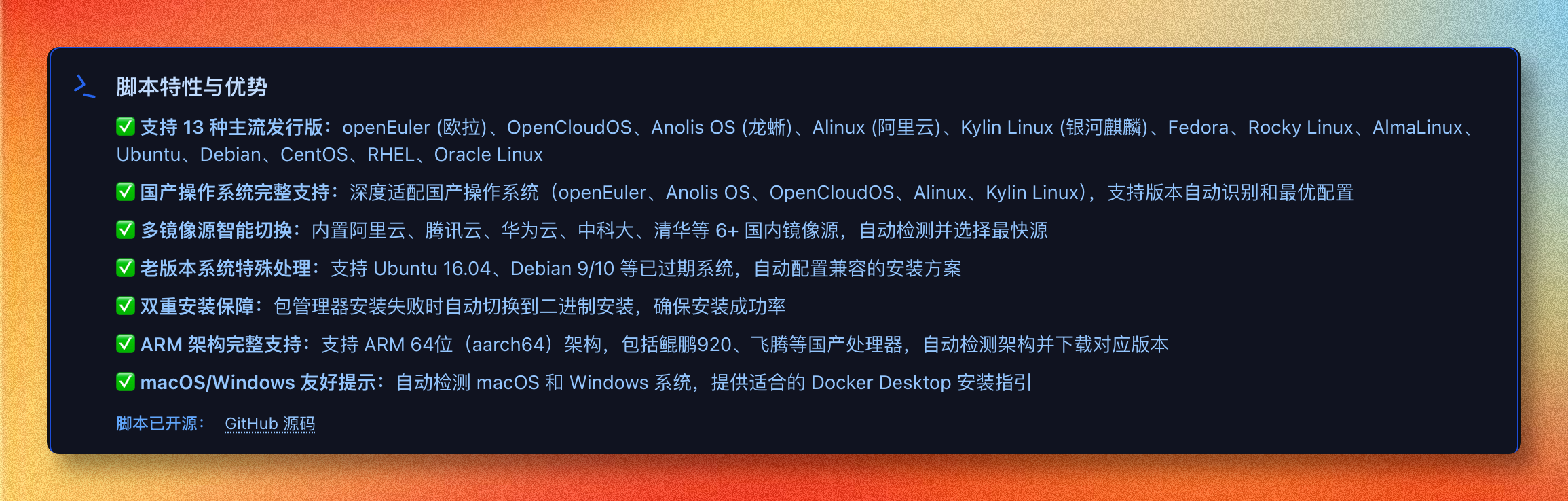
bash <(wget -qO- https://xuanyuan.cloud/docker.sh)