


用Nginx Proxy Manager反响代理qBittorrent的时候,登陆页面加载不了。在Nginx Proxy Manager里面添加如下规则即可。
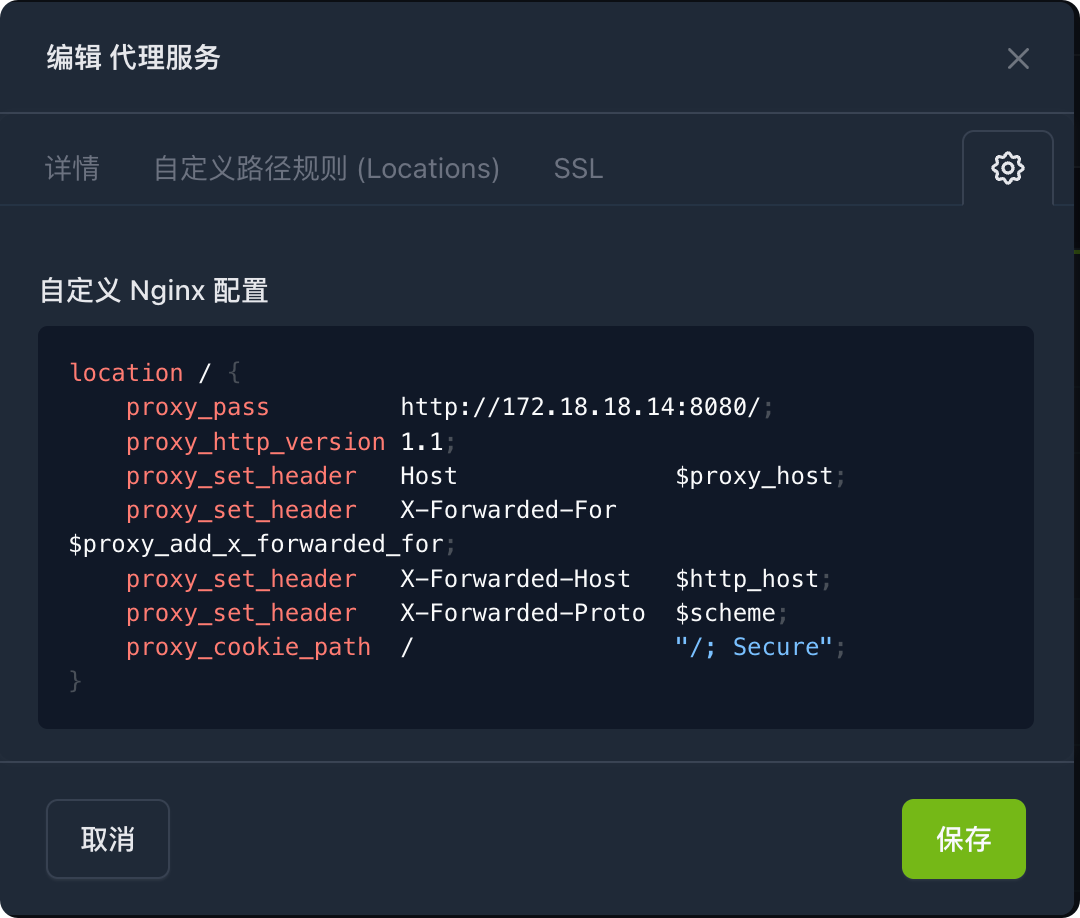
location / {
    proxy_pass         http://172.18.18.14:8080/;
    proxy_http_version 1.1;
    proxy_set_header   Host               $proxy_host;
    proxy_set_header   X-Forwarded-For    $proxy_add_x_forwarded_for;
    proxy_set_header   X-Forwarded-Host   $http_host;
    proxy_set_header   X-Forwarded-Proto  $scheme;
    proxy_cookie_path  /                  "/; Secure";
}把代码里面的 http://172.18.18.14:8080/ 改成你的qBittorrent地址即可。